Start with a photo
Use a model, or choose your own photo when personal tries are enabled for your invitation.
A NEW PAIR. YOUR EVERYDAY STYLE.
Find a pair you like. See how it works with your outfit before you decide.
Try with an invitationNow in private beta · Web and iOS
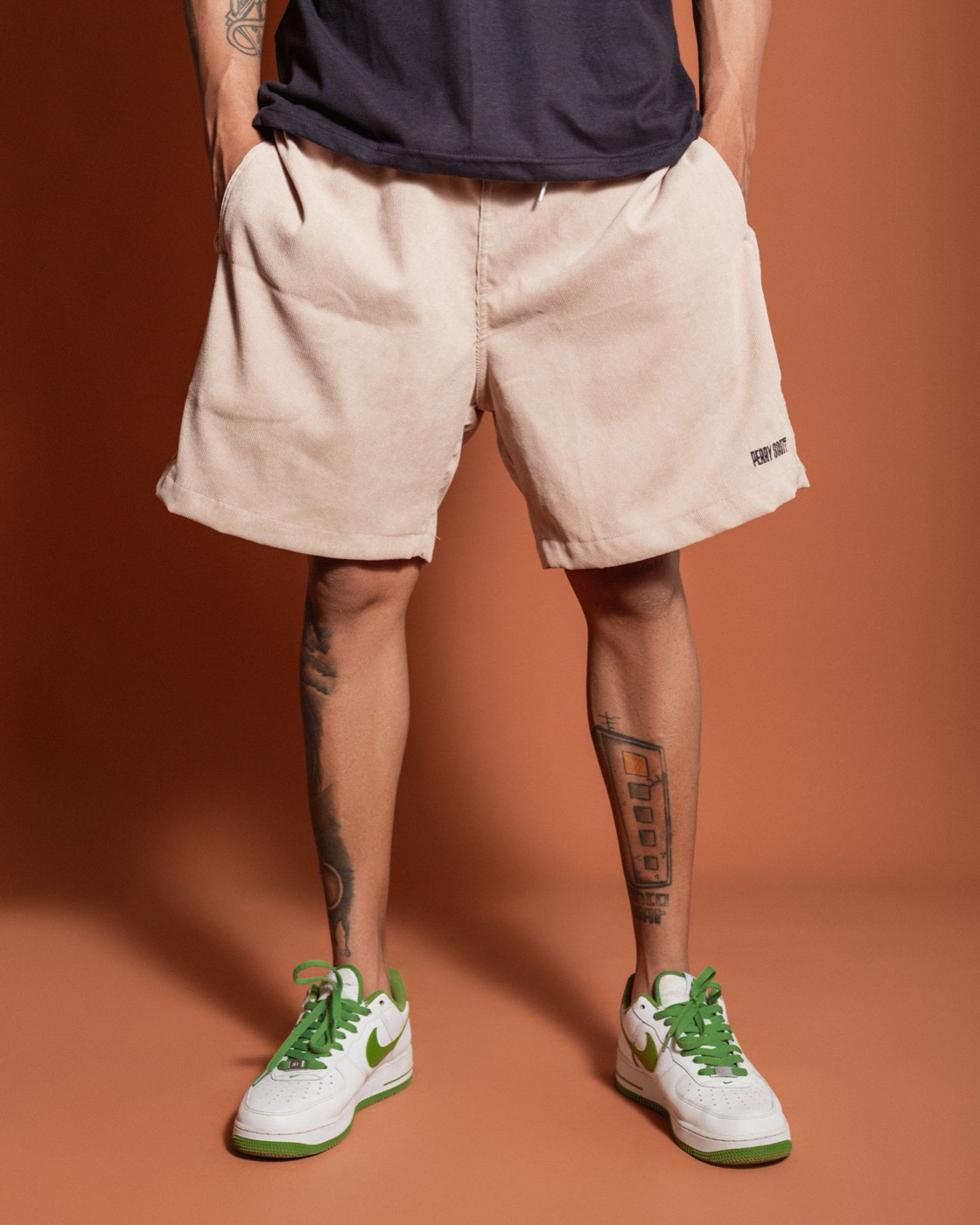
 Discover a different pair
FROM PHOTO TO POSSIBILITIES
Use a model, or choose your own photo when personal tries are enabled for your invitation.
Browse the shoe catalog and find a style you want to see with your outfit.
View the look alongside the original and the product photo. Look closely at the details.
YOUR INVITATION TO TRY
Try-On Mirror is open to invited testers. Enter your invitation to step up to the mirror.
An invitation opens the Try-On Mirror. A trial code adds tries after you enter.
Each invitation activates once. Continue using the same browser or app after activation.
AI looks are for styling inspiration. Shoe, clothing and background details may change. They do not measure shoe size, comfort or physical fit. Personal photos are sent for AI processing only after you agree and tap “Try these on”.